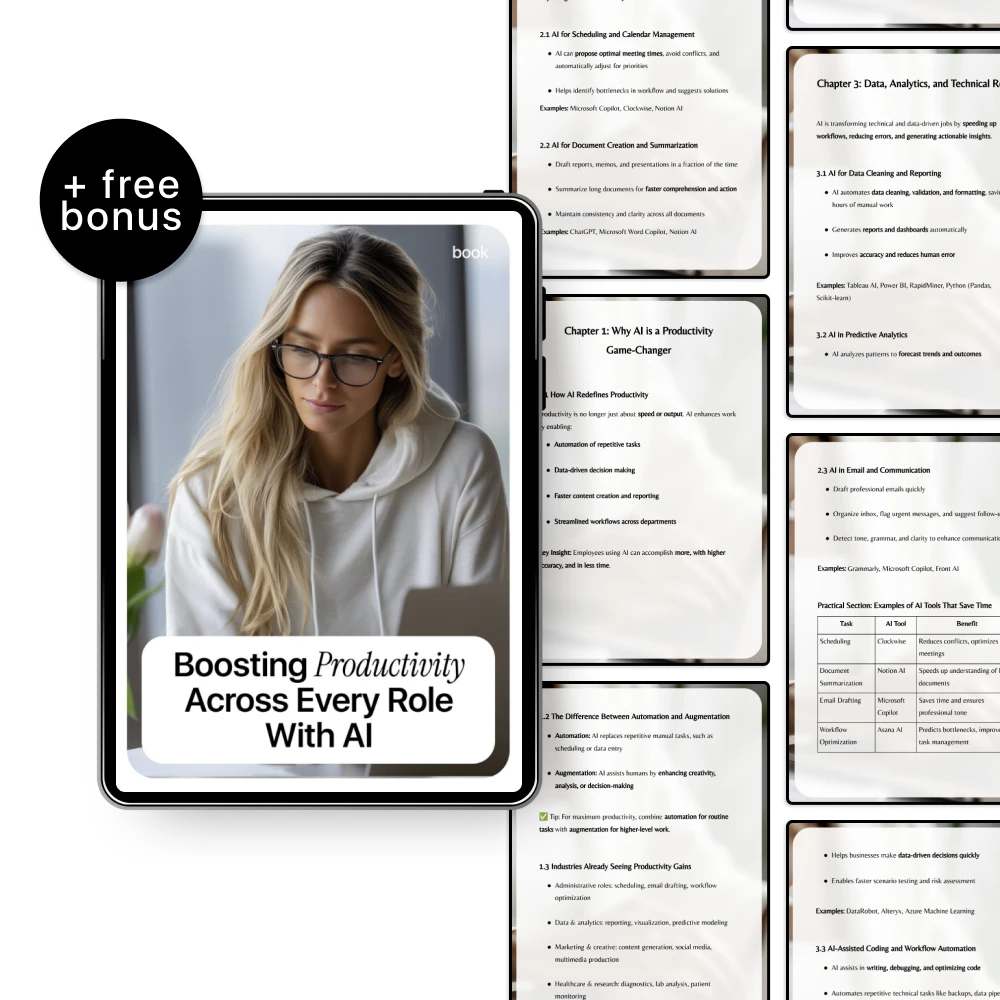
Boosting productivity with AI comes down to choosing a few high-impact workflows and making them repeatable. Our team recommends starting with the work you already do every day—reading, writing, scheduling, summarizing, researching, and updating files—then using AI to reduce the time spent on first drafts and routine decisions. You stay in control; AI handles the busywork and gives you a faster starting point.
Look for tasks that are frequent, predictable, and easy to standardize: meeting notes, status updates, customer replies, content outlines, or weekly reports. Use an AI assistant to create a first draft, then spend your time reviewing and improving instead of starting from scratch.
Productivity spikes when you stop rewriting prompts. Create a short set of templates for your role (sales, support, marketing, ops, leadership) with placeholders like: goal, audience, tone, constraints, and examples. When you reuse templates, AI output becomes more consistent and takes fewer edits.
After calls and meetings, use AI to summarize decisions, extract tasks, assign owners, and propose due dates. Then paste the results into your task manager or project board. This is one of the fastest ways to reduce “lost work” and keep momentum.
Ask AI to spot gaps, risks, inconsistencies, and missing steps. For documents, have it create a checklist, verify requirements, and suggest clearer wording. For emails, ask for three versions: short, standard, and detailed—so you can match urgency without wasting time.
Set a rule: AI drafts, you review for accuracy and judgment, then you finalize. This keeps speed high without sacrificing quality. If you want plug-and-play workflows by role with templates and use cases, our team put them together here: AI productivity workflows by role (templates & use cases).
Look for AI that can summarize meetings, turn notes into tasks, and sync with your calendar or project board. The best fit is the one your team will actually use daily with minimal setup and clear permissions.







Leave a comment